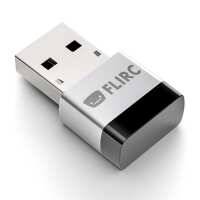
“Neat little device which is easy to setup. At present there is no setup software for the pi, you have to set it up on another device.
This is not a problem as it remembers the keycodes you programmed.
My only minor negative comment is that it will only accept 6 keys from your remote.”
“this is reason enough to host your XBMC install on a R-Pi. simple and elegant user interface and all the functionality of a keyboard setup without the bulk. Brilliant!”
“It does it's job pretty good, but I found that I had to go back and continually redo some of the buttons, or I had to do my own research with keypresses XMBC accepted, because the defaults that the Flirc delivered (via it's GUI) didn't quite make it. And one of the remotes didn't quite work (though I didn't thoroughly test it...)”
“Works as expected on RPi and on Ubuntu Desktop. Great reception even behind objects. No more looking for my Android phone, bringing up the app for XBMC, going through menus, just to pause or start a movie. A simple IR remote does the trick.
Would be nice to have a VLC profile on the programming application (can be done, but would be faster). The web site needs some work.”