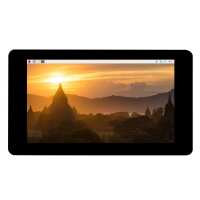
“Nice bright display with vibrant colours, and fits cases designed for the original Raspberry Pi Touchscreen (version 1). Installation and configuration instructions provided on the Waveshare website are clear and easy to follow. Curiously, the splash screen and boot messages appear upside down but this is not a problem since it's possible to put everything in the correct orientation with display manager configuration tools (once Xorg or Wayland starts).
It's not as high resolution as the Raspberry Pi Touchscreen 2, but I had available an enclosure for the old display version which suited my clock application better than the clunky and expensive enclosures currently available (some costing half the price of a display!). Hence I bought this display and am very pleased with it.”
“My display did not work. After a week waiting for waveshare support to finally come back with a solution, it appears my display doesn’t work with the current version of bookworm OS. It requires an “ammended” version of bookworm to run (on crammed with Virtual Network Servers and requests for SSH logins).
This was the situation with pi4B and 5. I am looking to return, if not, I will have to bin it as I quality control the OS or potentially not do any changes/upgrades in the future”
“LCD does not work with the latest Rasbian after following driver installation from the WiKi. Needed to contact Chinese support. They have send me a new drivers with installation in Chinese. Sorting it was like a pooling teeth. I was about to return it, but managed to finally follow the procedure. LCD works now but do not know for how long so installation is not straight forward.”